For Dutch freelancers
Log your hours once,
Synkr does the rest.
Are your hours stuck in one system, like Toggl, Excel or Google Sheets? Synkr sends them to your accounting software, your client or any other system. No more manual retyping.
Join freelancers who never lose a billable minute.
Your time back
Re-typing your hours by hand costs you time every week. With Synkr it's done in seconds.
Setup in four steps,
then sync with one click
Connect
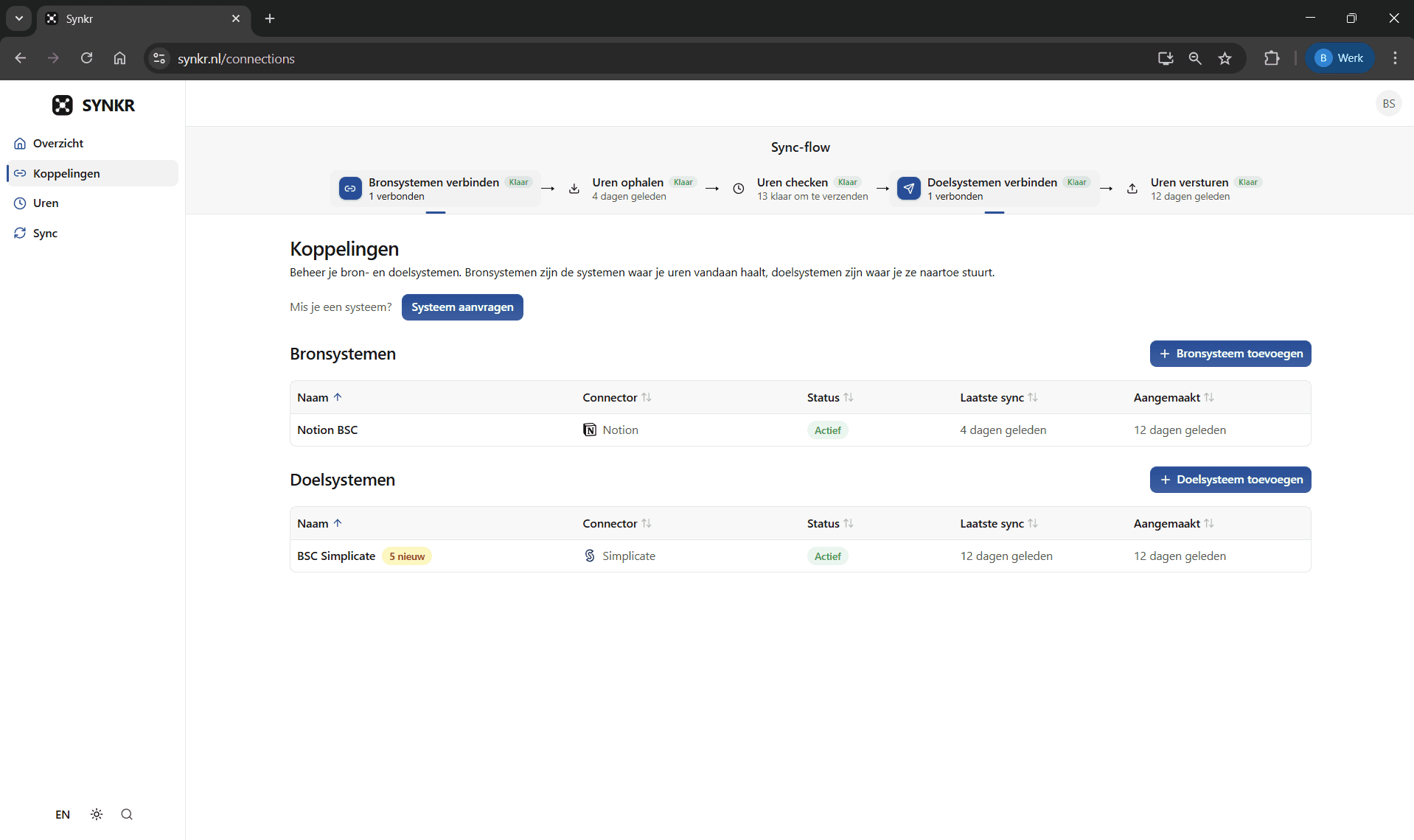
Connect the systems where your hours live, like Toggl, Google Sheets, or Excel, with the systems they need to go to, like Moneybird or Simplicate. You do this once, and it takes a few minutes per connection.
Pull
With one click, Synkr pulls your latest hours from your source. You immediately see an overview of everything that was imported, including project, client, and hours.
Review
Before anything gets sent, you review everything yourself. Right project? Right hours? Adjust where needed. Nothing goes through without your approval.
Push
One click and your hours are in Moneybird, Simplicate, e-Boekhouden, or wherever you need them. No retyping, no copy-paste, no mistakes.
All the connections you need, in one place
Synkr is the bridge between where you register your hours and where they need to end up: your accounting tool or your client's system. Your hours already exist. Synkr makes sure you never have to retype them. Click the tools you use below and check whether your combination is supported.


The hours you track in Toggl land in your Moneybird time registration, ready to invoice in one click. No retyping.
Missing a system?
What other freelancers think
Designers, developers, consultants. See how freelancers across different fields use Synkr to win back time on their hours admin.
“I had Toggl and Simplicate connected within ten minutes, no manual needed. Every Friday after that I used to lose half an hour re-typing, now it's two clicks. That time I just bill instead.”
Lisa de Vries
Graphic designer, Utrecht


“I still review everything before it goes out, so I know the right hours land on the right project in Simplicate. No more typos, no more clients pointing out mistakes.”
Mark Janssen
Freelance developer, Amsterdam

“I used to push submitting my hours off until Sunday night. Now they're already in my sheet and I send them through in a minute. No stress, no forgotten entries.”
Sanne Bakker
Marketing consultant, Rotterdam

Your data, your rules
Encrypted storage
Your credentials are stored with AES-256 encryption, the same standard used by banks.
Data in the EU
Everything is stored in Frankfurt, Germany. No data outside the EU, no detours.
Secure connections
Where possible, you connect via OAuth, without sharing your password. API keys are stored encrypted and can be removed at any time.
Full control
Delete your account and everything is wiped immediately. No retention period, no fine print.
Pricing
Try free for 14 days. Then from €9 per month.
14-day free trial
Choose this planPro
Unlimited syncs, for daily use
- Unlimited connections
- Unlimited syncs
- Automatic sync
- Sync business rules
Plus
Automate your workflow with smart sync rules
- Unlimited connections
- Unlimited syncs
- Automatic syncComing soon
- Sync business rulesComing soon
Everything you want to know, before you start
Try Synkr free for 14 days
Connect your first system in 10 minutes. Free. Save time this week.